URL Shortener vs QR Code: Which Should You Use?
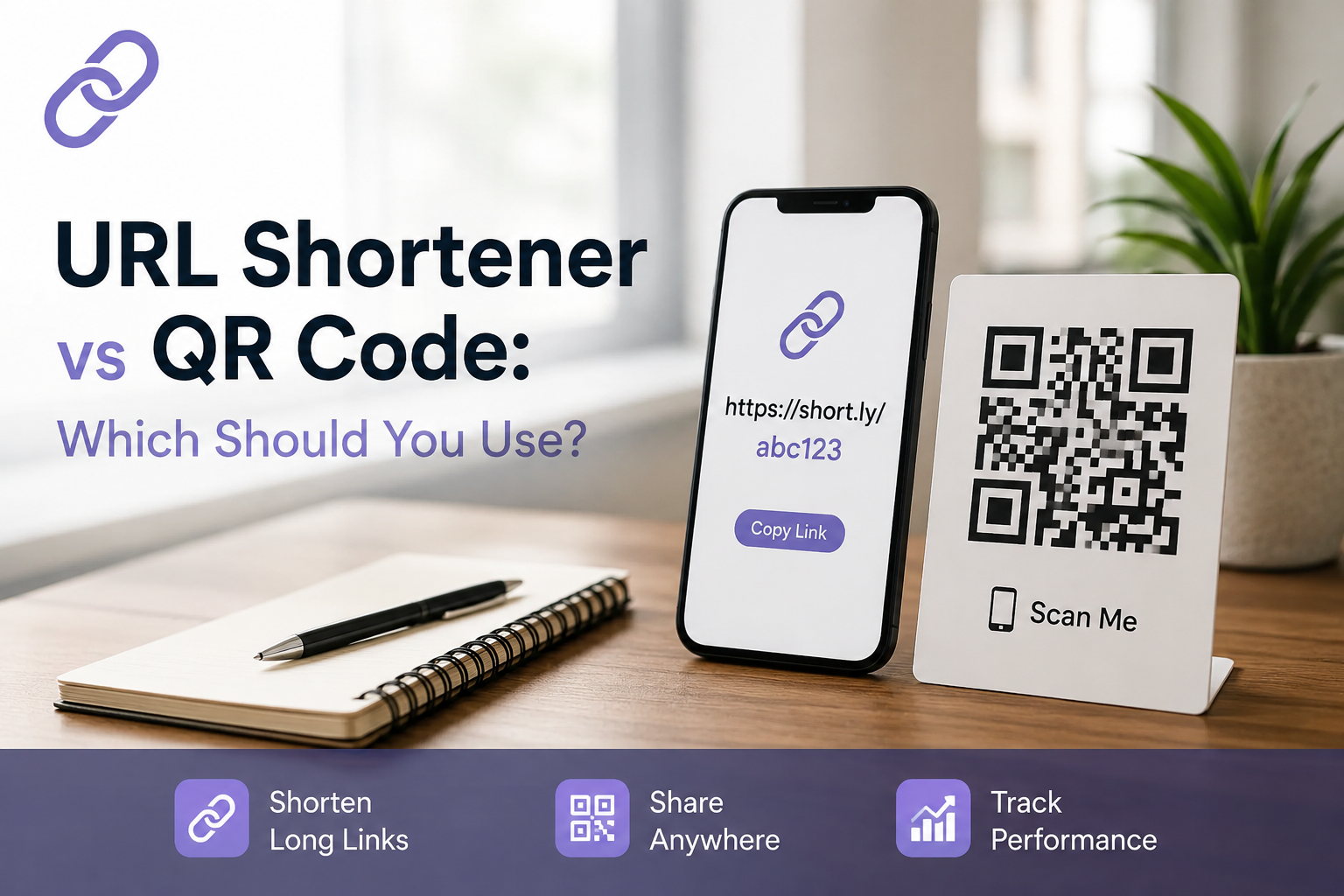
You're staring at a flyer, an Instagram bio, or a product label, and you need to send people somewhere online. Do you print a QR code, or do you shorten the link? Most guides on this topic answer with a shrug "it depends" and leave you to sort out the rest yourself.
Here's the short version: the two tools aren't rivals. They solve different physical realities of where your audience actually is when they see your link. Once you understand that, the decision takes about ten seconds. This guide walks through exactly how to make that call, plus the one factor almost every other article on this topic skips entirely what a QR-only strategy costs you in search visibility.
Key Takeaways
- Use a URL shortener for anything digital social bios, email, SMS, ads, podcasts.
- Use a QR code for anything physical flyers, packaging, signage, business cards.
- Use both by routing every QR code through a short link, so one URL powers both formats and both feed the same analytics.
- Avoid static QR codes for any real campaign they can't be edited and offer zero tracking.
- QR codes aren't crawlable. If SEO matters to your business, the short link version of a URL is the one doing the actual work for your site's visibility.
What Is a URL Shortener?
A URL shortener takes a long, unwieldy web address and compresses it into a short, clickable link — turning something like yourbrand.com/products/summer-collection?ref=insta&id=4471 into short.ly/summer. It's built for digital environments: bios, emails, texts, ads, and anywhere someone can tap instead of type.
Beyond compression, a good shortener adds two things a raw link doesn't have: a memorable, brandable structure, and click-level analytics where clicks came from, what device, and how many.
What Is a QR Code?
A QR code is a scannable, two-dimensional barcode that stores a link (or other data) and opens it the moment a smartphone camera reads it. It's the bridge between something physical a poster, a menu, a business card and something digital, without anyone typing a single character.
Static vs. Dynamic QR Codes
This distinction matters more than the QR-vs-link debate itself, and it's where most confusion actually lives.
- Static QR codes bake the destination directly into the code's pattern. Change your mind about the URL later, and the code is dead you have to design and reprint everything from scratch.
- Dynamic QR codes don't store the destination directly. They point to a short link behind the scenes, and that short link is what actually redirects the user. Because the redirect lives on a server instead of in the printed pattern, you can change the destination anytime without touching the physical code.
Here's the part almost nobody spells out clearly: most modern QR codes are URL shorteners wearing a different outfit. The scannable square is just the delivery method. Understanding this resolves most of the "which should I use" confusion on its own you're rarely choosing between two unrelated technologies. You're choosing an interface.
URL Shortener vs QR Code: Key Differences
| URL Shortener | QR Code | |
|---|---|---|
| Format | Text link | Scannable image |
| User action | Click or tap | Open camera, aim, scan |
| Best environment | Digital (screens) | Physical (print) |
| Can be typed or spoken aloud | Yes | No |
| Crawlable by search engines | Yes | No |
| Built-in analytics | Standard on nearly every platform | Only if dynamic |
| Editable after publishing | Yes | Only if dynamic |
| Works for same-device sharing | Yes | No — you can't scan a code on the screen it's displayed on |
When to Use a URL Shortener
Reach for a short link any time the destination lives inside a digital experience someone is already having:
- Social bios and stories — Instagram, TikTok, X, LinkedIn all favor clean, tappable links.
- Email campaigns and newsletters, where a branded link builds more trust than a raw tracking URL.
- SMS marketing, where every character counts and a QR code can't even be scanned from the same phone displaying it.
- Podcasts or presentations, where the link has to be said out loud and remembered.
- Paid ads, where a short, branded domain signals legitimacy over a generic redirect.
If someone can already tap it, don't make them switch apps to scan it.
When to Use a QR Code
QR codes earn their place the moment your audience is standing in front of something physical and their hands aren't already on a link:
- Restaurant table tents and printed menus, where scanning is faster than typing a URL from a table.
- Posters, flyers, and product packaging, where there's no clickable surface at all.
- Business cards and event badges, where instant contact-saving beats manual entry.
- Vehicle wraps, window decals, and signage, especially where drivers or passersby can't safely type anything.
- Anywhere typing a URL is inconvenient, error-prone, or simply impossible.
If someone can't click it only look at it a QR code closes that gap in about three seconds.
URL Shortener and QR Code: Why Use Both?
These aren't rival tools; they're two entry points into the same destination. The strongest setups follow one simple sequence:
- Create the short link first.
- Generate a QR code that points to that same link.
- Put the QR code on physical materials.
- Put the plain short link everywhere digital.
- Track everything from one dashboard QR scans and direct clicks both roll into the same URL's analytics.
This sequence also protects you from the single most expensive QR mistake businesses make: printing a static code, running a campaign, then needing to change the destination and discovering the only fix is reprinting every flyer, sign, or package. Route every QR code through a short link, and that problem disappears you just update the redirect.
Dynamic QR Code vs URL Shortener
Once you understand that a dynamic QR code is a short link wearing a scannable skin, the comparison stops being a real debate and becomes a matter of interface:
- A dynamic QR code and a short link can point to the exact same destination and be edited identically, at the same time, from the same dashboard.
- The only functional difference is how a user reaches it: one is meant to be scanned, the other to be clicked, typed, or spoken.
- Analytics-wise, they're equals as long as you're not dealing with a static QR code, which offers no tracking at all and shouldn't be used for anything beyond a one-off, permanent link.
If a tool sells you a "QR code" without telling you whether it's static or dynamic, ask before you commit a print budget to it. That single detail determines whether you can fix mistakes later or start over.
Which Is Better for Marketing?
Neither format wins outright on its own but there's a technical reality most marketing content around this topic skips entirely.
The Hidden SEO Problem With QR-Only Links
A QR code has no anchor text and nothing a search engine can crawl. If a URL only ever exists as a printed QR code, it's invisible to Google it earns no backlinks, passes no link equity, and can never surface in organic search. A short link, by contrast, behaves like ordinary text: it can be shared, embedded in articles, linked to, and indexed. If your marketing strategy touches SEO or organic growth in any way, the plain short link isn't a nice-to-have it's the version of the URL that keeps the door open to search traffic. A QR code alone can never do that job.
Common Mistakes to Avoid
- Printing a static QR code for a campaign that might change. Even a small update means a full reprint.
- Skipping the CTA next to the code. A bare QR code with no context ("Scan for menu," "Scan for 20% off") gets ignored far more often than one with a clear reason to scan.
- Sizing the code too small for its viewing distance. A code that's easy to scan on a business card will fail on a poster viewed from five feet away.
- Using a QR code anywhere digital, like inside an email or on a website — users can't scan a code on the same screen displaying it.
- Relying on a generic, unbranded shortener link in customer-facing materials, which lowers trust compared to a branded domain.
60-Second Decision Checklist
- Is the destination printed on paper or a physical surface? → QR code
- Will someone see this on a screen they're already using? → Short link
- Do you need this to be discoverable in Google or contribute to SEO? → Short link
- Are you saying the URL out loud, in a podcast, ad, or presentation? → Short link
- Is this going on both a flyer and a social post? → Both, pointing to the same destination
URL Shortener vs QR Code: Comparison Table
| Factor | URL Shortener | QR Code |
|---|---|---|
| Ideal channel | Digital (social, email, SMS) | Physical (print, packaging, events) |
| Setup effort | Instant, no design required | Needs generation and correct print sizing |
| Editable destination | Always | Only if dynamic |
| Analytics | Standard | Only with dynamic codes |
| SEO value | Contributes to crawlability and indexability | None — not crawlable |
| Typical cost | Usually free at low volume | Usually free at low volume |
| Main risk if misused | Untrustworthy-looking, unbranded link | Dead code if static and reprinted |
Frequently Asked Questions
Q1: Do QR codes always contain a short URL?
Ans: Not always, but most modern ones do. Dynamic QR codes route through a short link so the destination can be edited later; static QR codes encode the full URL permanently with no shortener involved.
Q2: Is a QR code better than a link for social media?
Ans: No. On social platforms, users are already on a screen and can tap a link directly a QR code adds an unnecessary extra step and, more importantly, can't be scanned from the same device it's displayed on.
Q3: Can Google index a QR code?
Ans: No. Google can't extract or crawl the destination URL from an image-based QR code. Only the plain-text link version is discoverable and indexable.
Q4: Do QR codes expire?
Ans: Static QR codes don't expire on their own, but they break the moment the destination page is removed or changed. Dynamic QR codes avoid this because you can update the underlying link anytime without touching the printed code.
Q5: What's the difference between a static and dynamic QR code?
Ans: A static code has its destination locked in permanently. A dynamic code points to a short link you can edit anytime, without changing the printed code or reprinting materials.
Q6: Can I turn any short link into a QR code for free?
Ans: Yes. Most URL shorteners, including Shortnerly, generate a scannable QR code automatically for any short link you create so a single link gives you both formats, with unified tracking.
Bottom Line
Stop treating this as a competition. A URL shortener and a QR code are two doors into the same room one built for screens, one built for the physical world. Create the short link first, generate the QR code from it, and use whichever door matches where your audience actually is. That's the whole decision.